The PSA to maximize your consulting team’s capacity.
Teamwork.com is the agentic Professional Services Automation platform for management and technology consultancies on billable hours.
Track utilization, protect margins, and end status update chaos.
NO CREDIT CARD REQUIRED

)

22% utilization boost
Catch overloaded schedules before they hit delivery, and bench time before it erodes margin, with real-time visibility into your team’s time

One source of truth
Resourcing, projects and margin run off the same live numbers. No spreadsheets, no re-keying, no arguments over report accuracy.

Live in weeks, not months
A named implementation lead and a phased plan gets you live in weeks with a reference customer at your size to prove it.
See what’s coming, before it costs you.
See capacity and utilization in real time - no more guesswork.
See real-time utilization across the whole team, catch over-allocation before it becomes a delivery risk, and only commit to work you can see you have the capacity to deliver profitably, no more building capacity plans and reports by hand.
See who's under- or over-utilized, in real time
See who's overloaded before it puts delivery at risk
Only take on work you have the capacity to deliver
Margin you can see before it’s gone.
Protect profitability on every project in-flight instead of discovering the damage at invoicing. Know the real margin on every project, retainer, and client while there’s still time to act, not at month end.
See planned vs. actual margin, project by project
Catch margin erosion and write-offs while work is still live
Forecast profitability by client, practice, or across the firm
)
Agentic AI that catches bench time and improves profitability.
Admin and manual reporting eat into billable hours. TeamworkAI automates the manual work, so consultants get more billable time back. It also flags margin or utilization risk early, so ops teams catch it before it costs you.
Summarize, draft reports and get answers to speed up delivery
Auto-assign work to the best person, by skill and availability
Flag utilization and margin risks early with agents
)
The answers consulting firm needs to deliver profitably.
Connects to the tools you already run on

With happier teams, the stories write themselves.
)
"What I appreciate most about Teamwork.com is how it has changed my business."
)
Susan Fennema
Founder and CEO
)
“The insights and visibility Teamwork.com can provide are some of the key features we love about it.”
)
Bernard Williams
Co-Founder & CTO, OIC Advisors
Transcript for the video 'Susan Fennema - Beyond the Chaos':
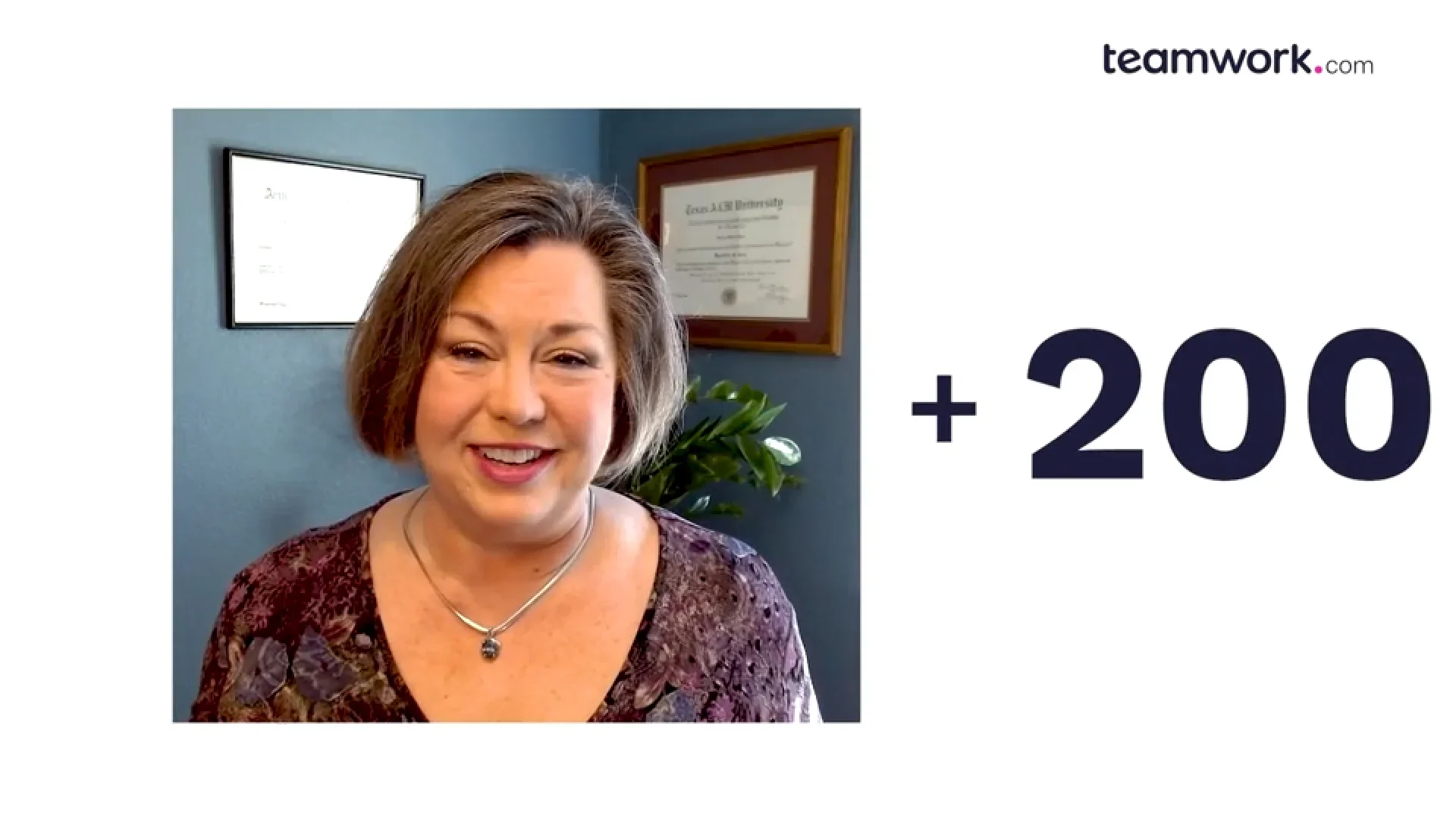
What I appreciate most about Teamwork is how it has changed my business. Being able to repeat your process over and over is what makes a business successful. It's what can make or break you as you're scaling. You can't scale if you can't repeat. I'm Susan Fenema. I'm the chaos eradicating officer, that's CEO, for beyond the chaos. We were looking for a tool that could do more, that could bring more to our clients for their success. I needed to be able to manage budgets. I needed to be able to identify who's working on what and when and get big overview dashboards, and those were not available in most other tools that we looked at. That was the pain point, and it wasn't only for my team. It was for my clients as well. So we started digging in. Up came teamwork, and I'm like, this does all the things. All of the things. It was one of the only tools that you could easily build templates in. I can quickly see what is my whole team's billable versus non billable hours at a glance every day when I log in. I can also see tasks assigned to me and with a click of a button flip over and see how late or on time are we across the board. Knowing those numbers helps me make decisions on how to run the business. And without that quick reporting dashboard, it makes it so much harder to run the business. Today, we have two full time people, four, five part time people, and a couple of assistants and me working in it. It would have been so hard to train up all those people that I don't see how we would have gotten to that point this fast. I would say our ROI is a thousand or more percent. I mean, it's easy to say that when you look at the low cost of the tool, we've quadrupled our revenue. Being able to add team members quickly also helps us serve more clients. Initially, we could probably serve a handful. Over the years, we've gotten over two hundred under our belt. That made it almost instantaneous that this is our tool.
Transcript for the video 'OIC Advisors':
- Teamwork is that tool set that gives you the ability to surface what your team is working on, how much time it's taking them to do it, who they are doing it for, and what that all up work is costing the organization. My name's Bernard Williams. I am the CTO with OIC Advisors Incorporated. At OIC Advisors, we provide strategic consulting services with the intent of helping organizations improve operational velocity. As we looked out across the landscape of IT project management solutions and professional service applications, what we found was that there's a lot of solutions out there. Some are very expensive, and they have a lot of capabilities, too many sometimes. Teamwork.com was really kinda like the Goldilock version. It was just right. The insights and the visibility that Teamwork provides is one of the key features that we love about it. Teamwork has enabled us to be able to, first and foremost, make our work visible. We wanted to be able to understand, you know, who was doing what work, how much that work was costing us, and Teamwork has given us that ability. It has provided the insights that we need to make the business decisions that will help us thrive and survive over the coming years. Partnering with Teamwork was absolutely the right decision for our team.
Frequently asked questions